Android Remote Assistant
A downloadable tool for Android
### Turn Desktop Web AI & Remote IDEs into Touch-Optimized Mobile Apps
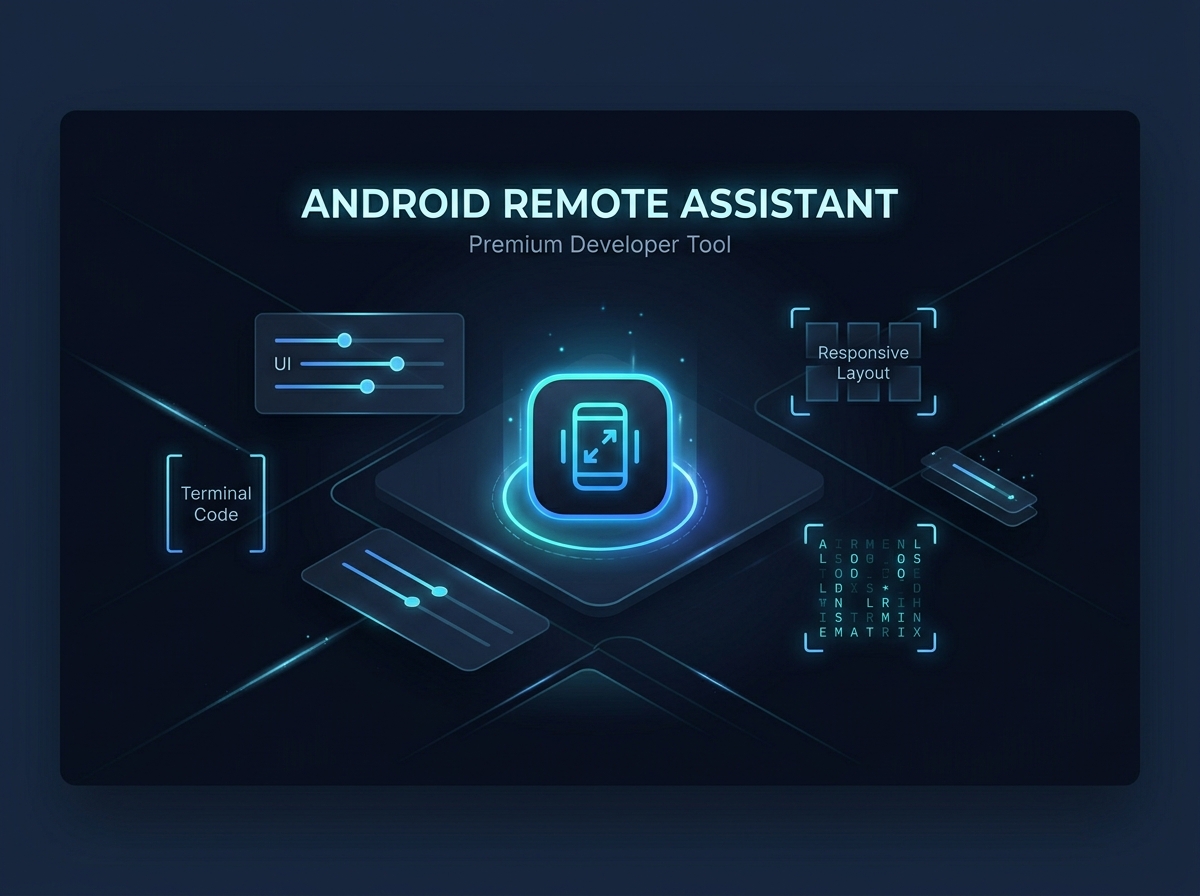
Desktop-first web dashboards (like Google Antigravity Remote, Claude Code, ChatGPT, and cloud VS Code instances) present severe usability issues when accessed via standard mobile browsers: clipped toolbars, micro-typography, horizontal overflow, and tiny 16px buttons that are impossible to tap.
**Android Remote Assistant** is an adaptive, hardware-aware native container designed to wrap any active remote session or AI dashboard directly—with **zero telemetry, zero middleman servers, and zero credential interception**.
---
### 🌟 Key Features
* **🚀 Direct Encrypted Handshake:** Network traffic flows strictly between your phone and your target URL. All OAuth tokens, Google Logins, and session cookies remain sandboxed locally on your device.
* **📐 Hardware Display Introspection:** Automatically measures your screen's physical density (DPI), logical width/height (dp), and system accessibility font scale multipliers upon launch.
* **⚡ Live Dynamic Calibration Drawer:** Adjust typography scale (75% to 175%) and viewport zoom (60% to 140%) in real time (< 5ms) without dropping active WebSockets or reloading the page.
* **👆 48dp Mobile Touch Targets:** Automatically expands interactive buttons, action icons, and input fields to reliable mobile finger dimensions.
* **📱 Responsive Single-Column Reflow:** Enforces horizontal boundary constraints and wraps multi-column panels to eliminate frustrating horizontal scrolling.
* **💻 Terminal & Monospace Enhancement:** Formats code blocks and terminal logs with word wrapping and smooth horizontal scrolling.
* **🎯 Draggable Floating Control:** A sleek, repositionable floating calibration button you can drag anywhere on your screen so it never blocks your Send/Enter keys.
* **🔄 1-Tap Link Switcher:** Easily switch between different remote sessions or recent history with one tap.
* **💾 Local State Persistence:** Automatically saves your favorite session endpoints, remote service presets, and custom display profiles across app restarts.
---
### 📱 Supported Remote Targets
* **Google Antigravity Remote**
* **Claude Remote Control**
* **ChatGPT Remote Control**
* **Custom Dev Servers / Local Tunnels** (e.g., code-server, local dev bridges, ngrok)
---
### 📥 How to Install on Android:
1. Download the `AndroidRemoteAssistant_v1.0.0_Release.apk` file after purchase.
2. Tap the APK file in your notification bar or Files app.
3. If prompted by Android (*"Allow installation from unknown sources"*), tap **Settings** → toggle **ON** → tap **Install**.
4. Open the app, paste your remote session link (or pick Claude / ChatGPT / Antigravity), and connect!
Purchase
In order to download this tool you must purchase it at or above the minimum price of $4.99 USD. You will get access to the following files:
Leave a comment
Log in with itch.io to leave a comment.